
05 Start with yourself
Your next
photoshoot starts
here.
Upload your photos once. ReCrea will build a personal AI profile you can use to create new photosets and animate your favorite shots.
AI photoshoots · ReCrea01 / your stories
Create a personal AI profile from your photos and choose ready-made shoots — from a business portrait to Paris, the seaside, and cinema.


02 Lookbook
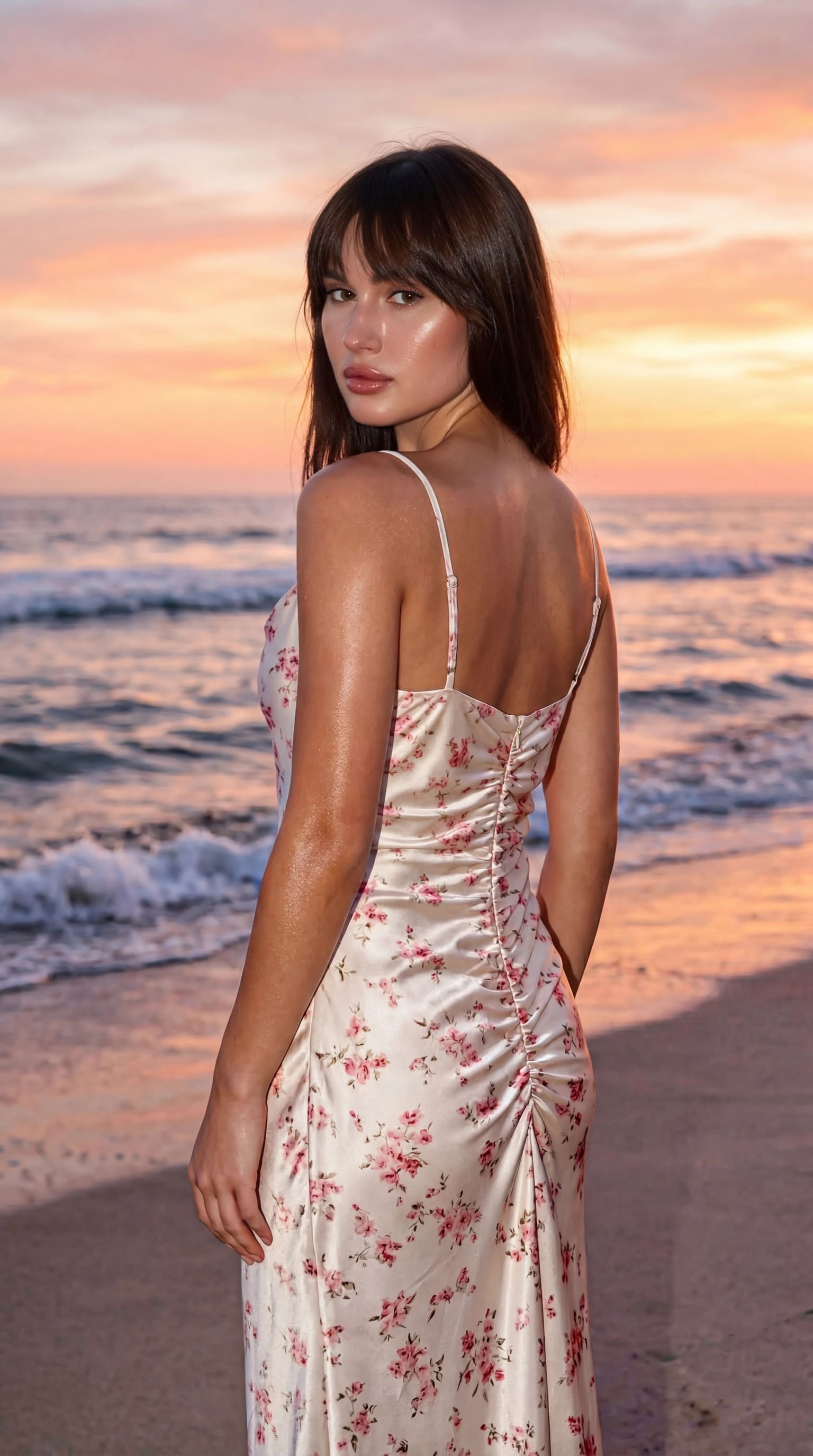
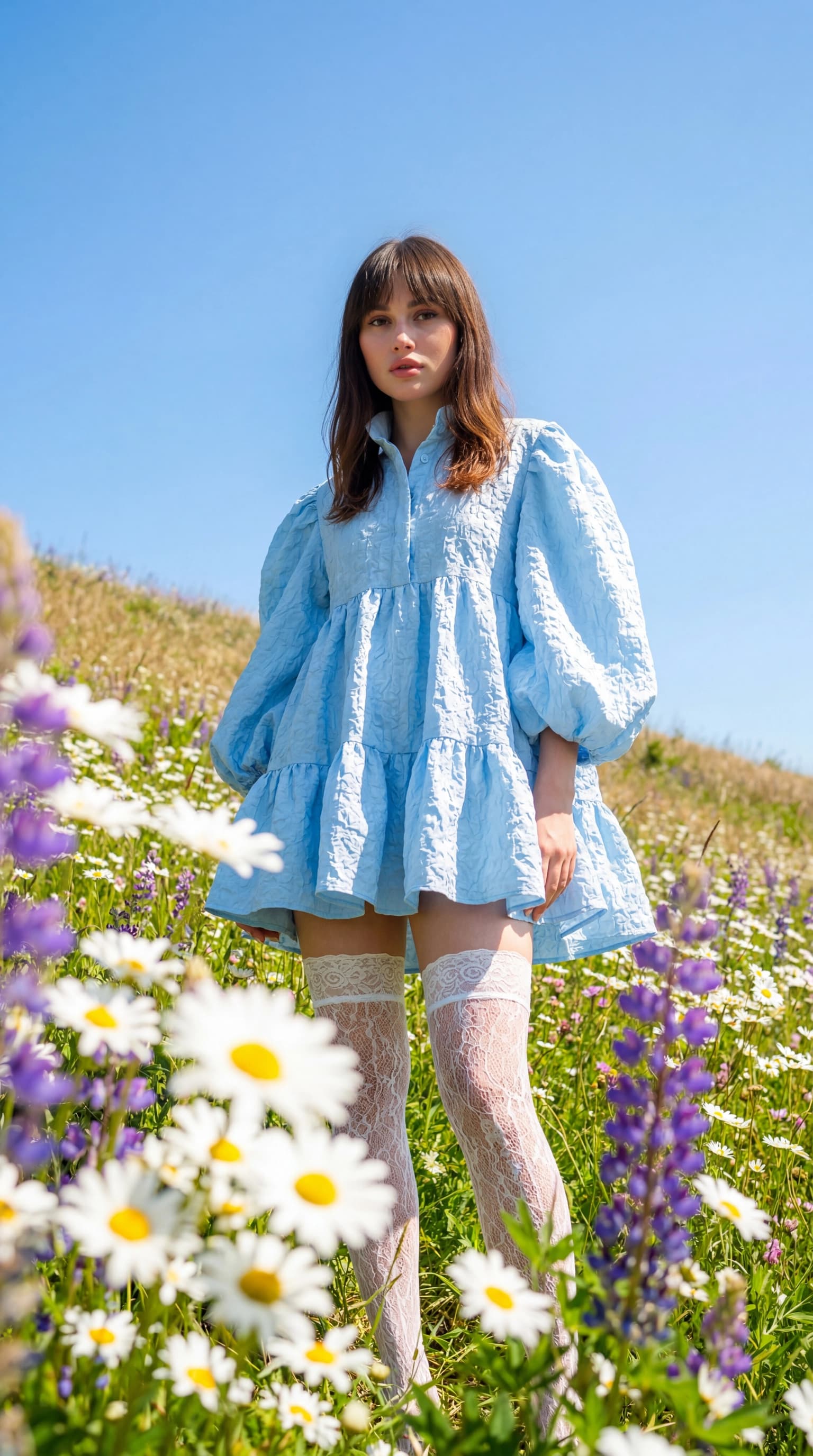
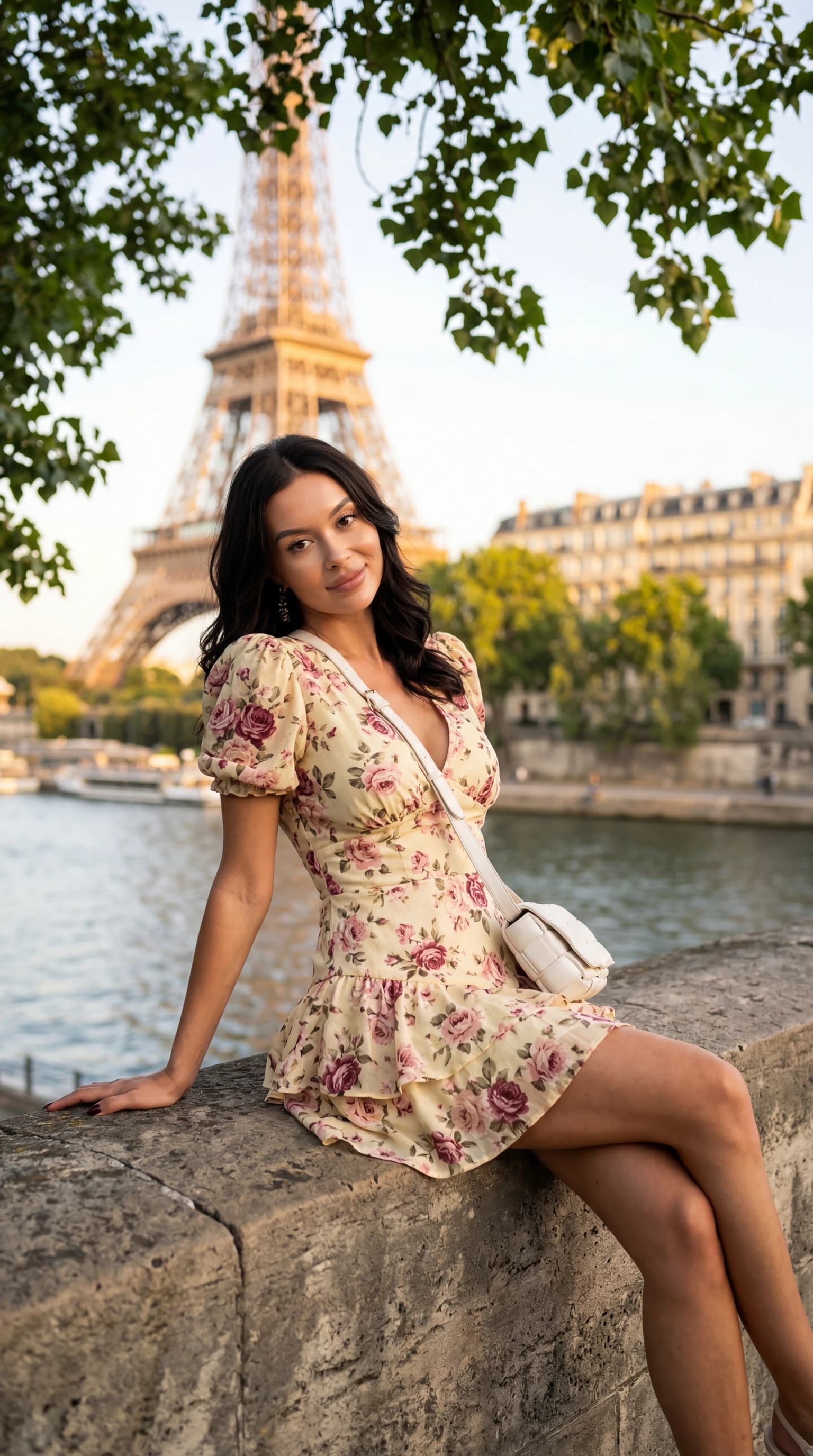
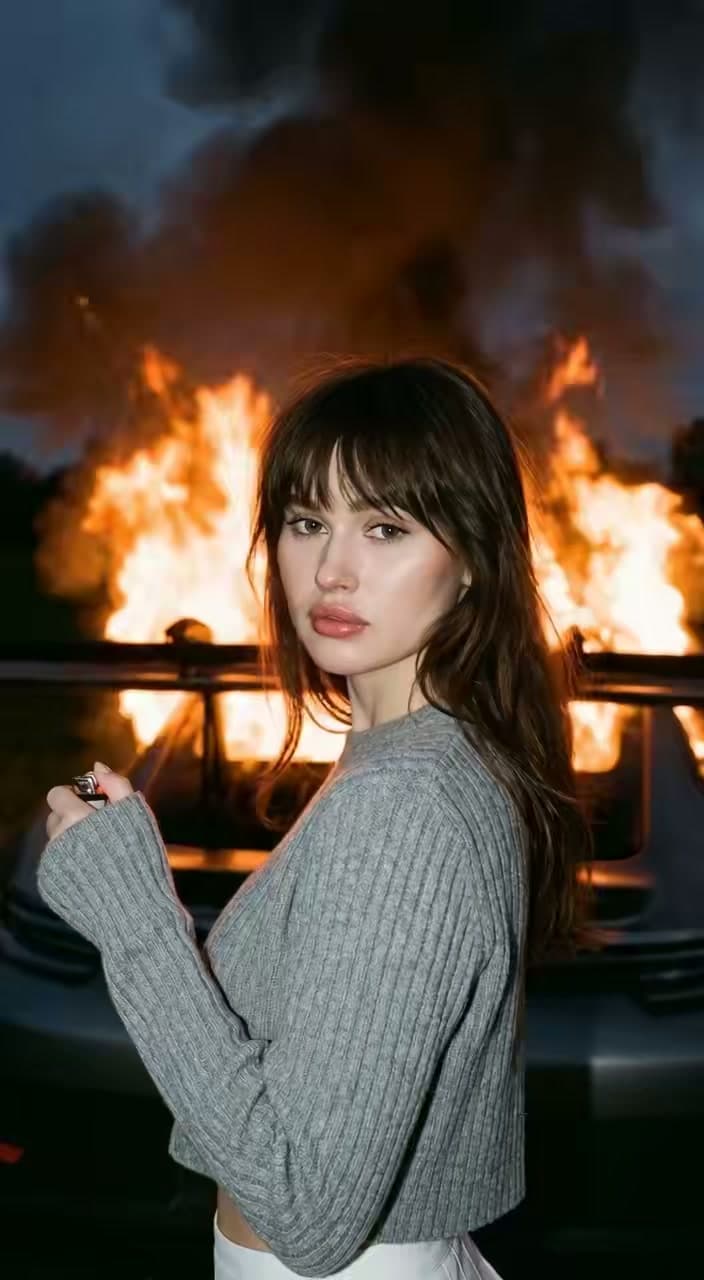
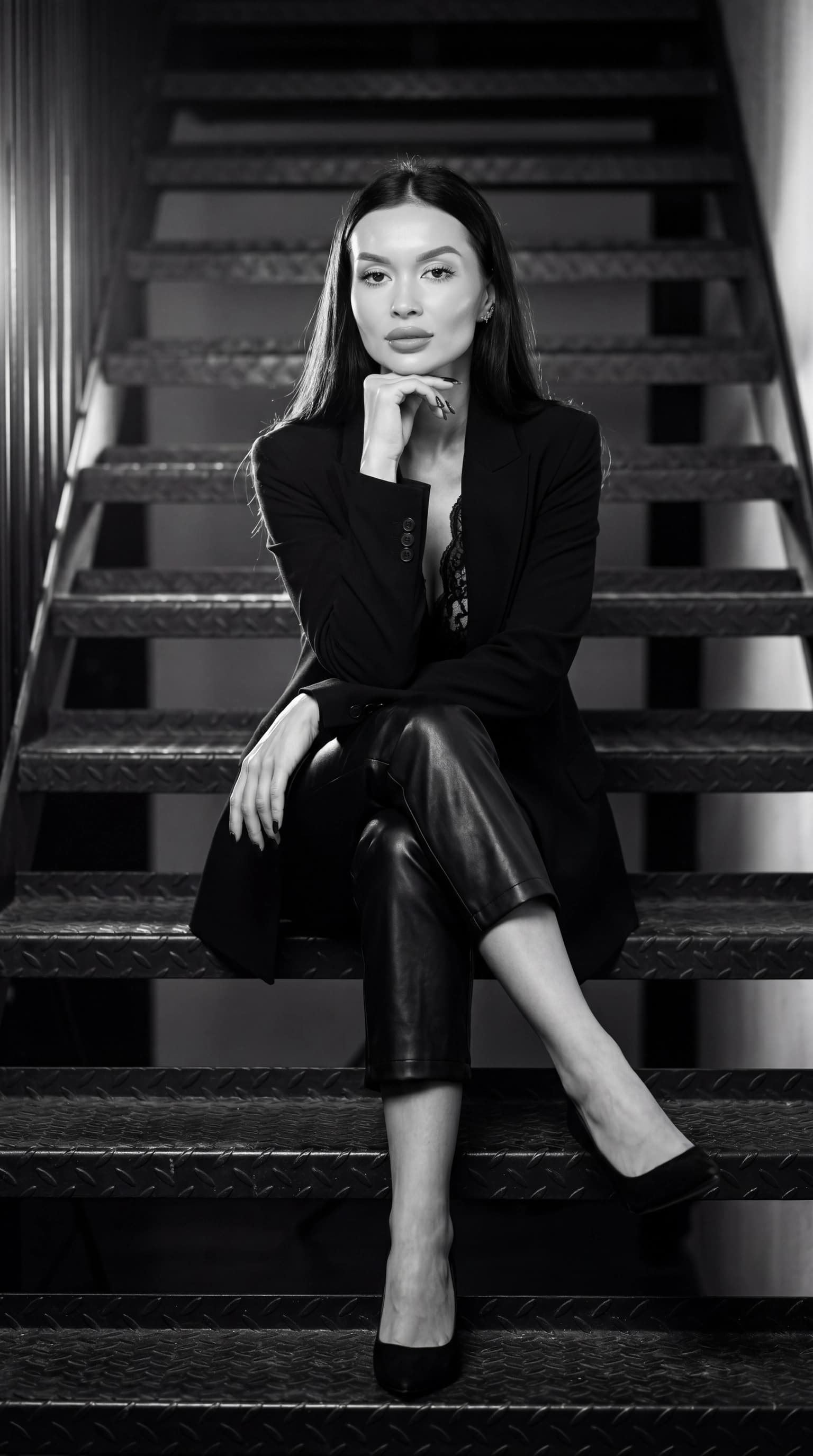
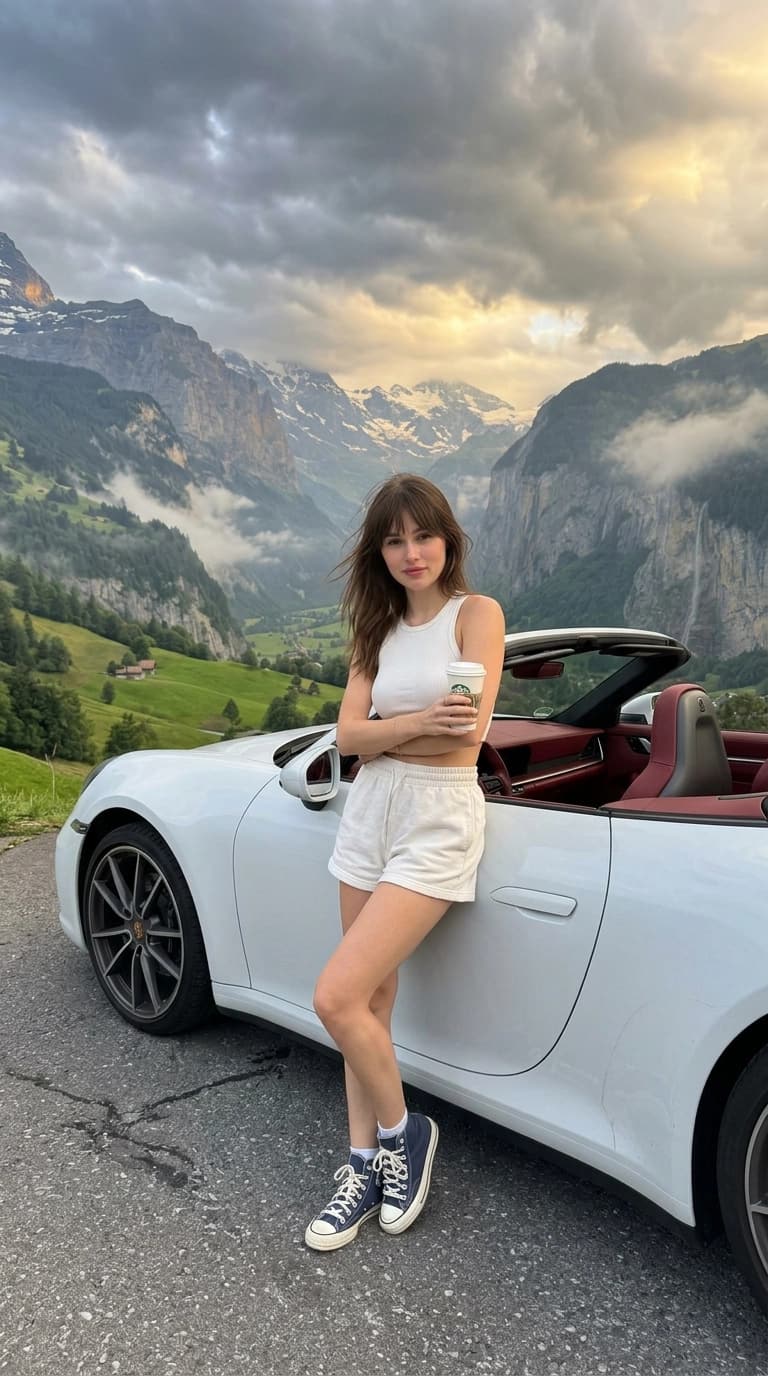
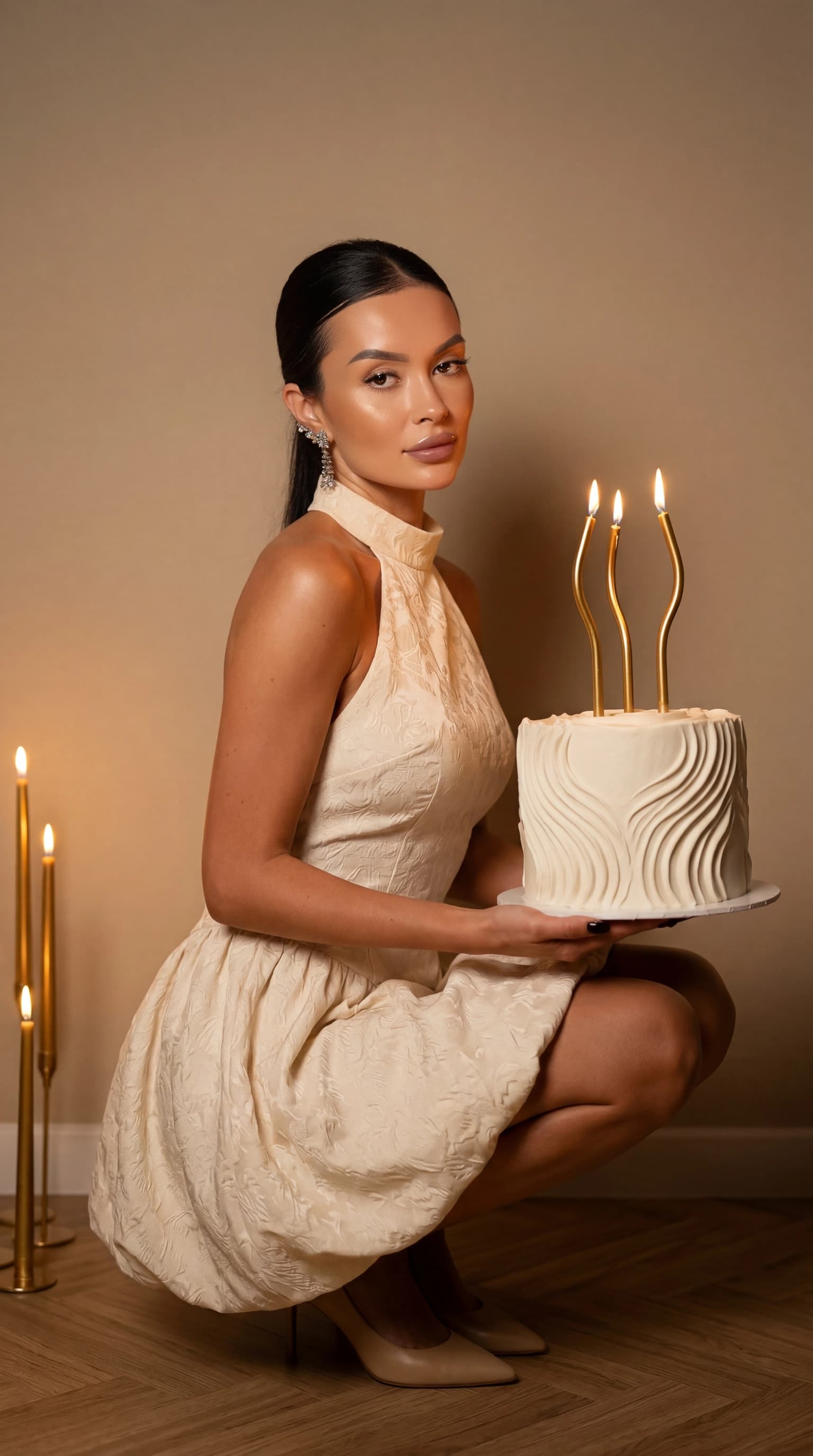
Paris, a red carpet, a field of flowers, or a little fantasy of your own. Choose a ready-made look, and ReCrea will create a complete series with you in the starring role.
Explore the full catalog ↗03 Motion
Animate a favorite shot and get a short video with the same look — for Stories, Reels, ads, or simply for yourself.
01 / photo to motion
02 / photo to motion04 Three steps
No prompts to get started and no complicated setup. One personal profile becomes the foundation for every future shoot.
Add 10–50 photos: your face, different angles, good lighting, and no other people in the frame.

Open the catalog and find a mood: portrait, seaside, studio, celebration, travel, or cinema.

Save your best shots and keep trying new looks without another photoshoot.

Decide where you will use the picture, then prepare your input photos. Here is what to know before your first ReCrea photoshoot.
Standard personal-profile creation uses 10–50 photos. Some getting-started flows let you begin with one image; check the selected upload screen for its requirements and next steps. Clear phone pictures can work: use different angles, even lighting and a face without heavy retouching. Leave out group shots and photos that no longer reflect your appearance. This set is specifically for building a personal profile.
A ready-made catalog look does not need a prompt: choose a shoot and use your profile. To describe an idea of your own, start with the purpose, clothing, lighting and background. Change one detail at a time so you can see how it affects the result.
For a work profile, start with a quiet background, familiar hair and clothing suited to your profession. For an avatar, prioritize a close view of the face and a recognizable outline: check that it works in a small circle. A more expressive staged scene can become a separate post.
Compare it with a recent portrait in ordinary light: face shape, eyes, smile and hairline. Check hands, glasses and jewelry separately. If the look changes your appearance too much, try familiar hair, soft light and a simpler angle. Keep the pictures in which you recognize yourself.
The guides and examples on this website are free to view. Check trial availability and the current cost of profile creation and generations in the app before starting. A free guide does not mean free or unlimited photo and video generation.
Yes, ReCrea can turn a photo into a short AI video. For a vertical clip, choose a clear portrait with space around the face. Review the whole result for changes to the face, hands and background during movement. Save a result you like, then upload it to your chosen social platform.
Cancel through the service where you purchased it. For App Store purchases, open iPhone Settings → your name → Subscriptions, select ReCrea and cancel. For Google Play purchases, open subscriptions in the purchasing account, select ReCrea and stop renewal. For another payment method, check the seller on your receipt. Do not rely on uninstalling the app to cancel a subscription.
05 Start with yourself
Upload your photos once. ReCrea will build a personal AI profile you can use to create new photosets and animate your favorite shots.

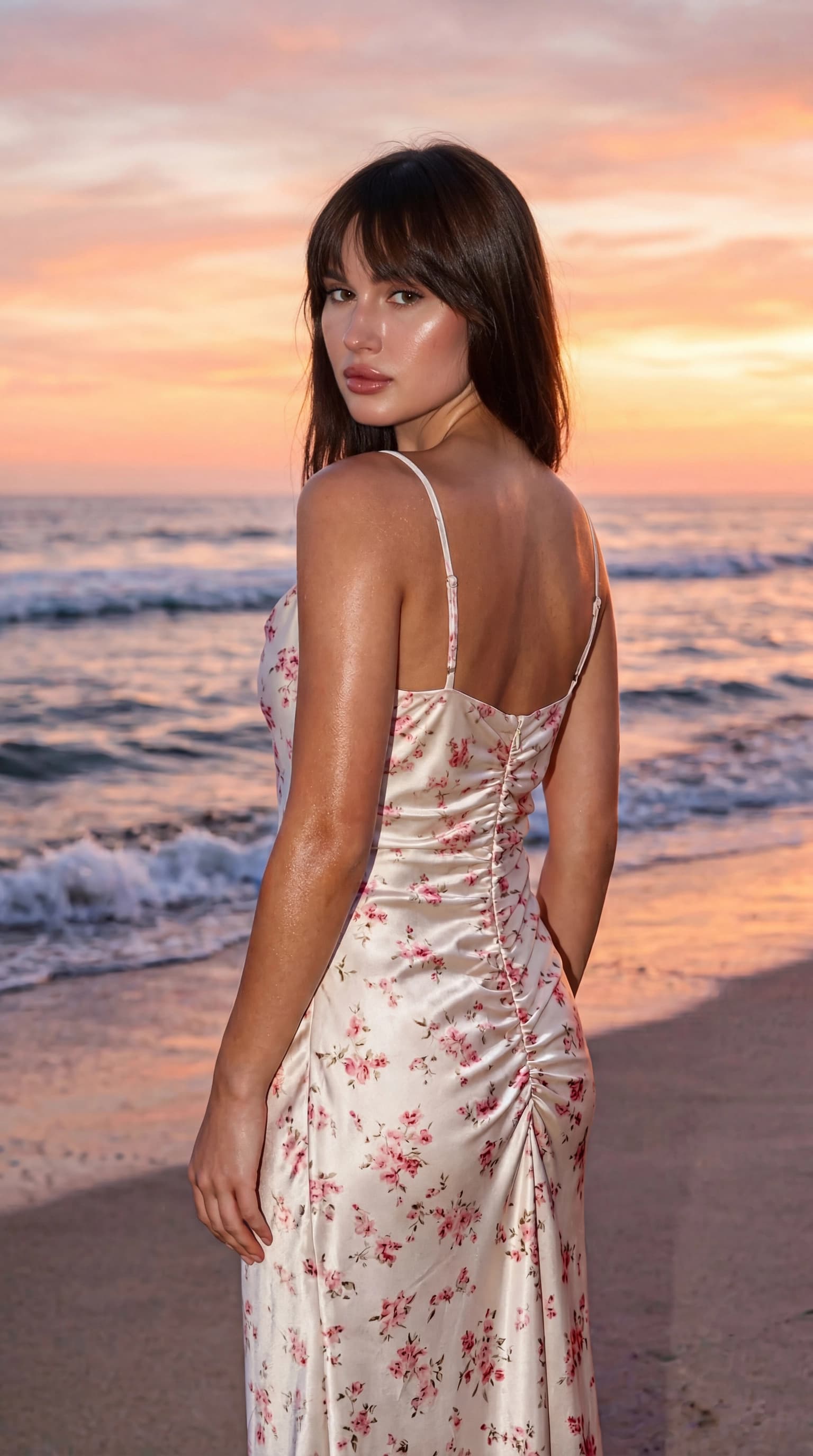
“Sea” look · created in ReCrea